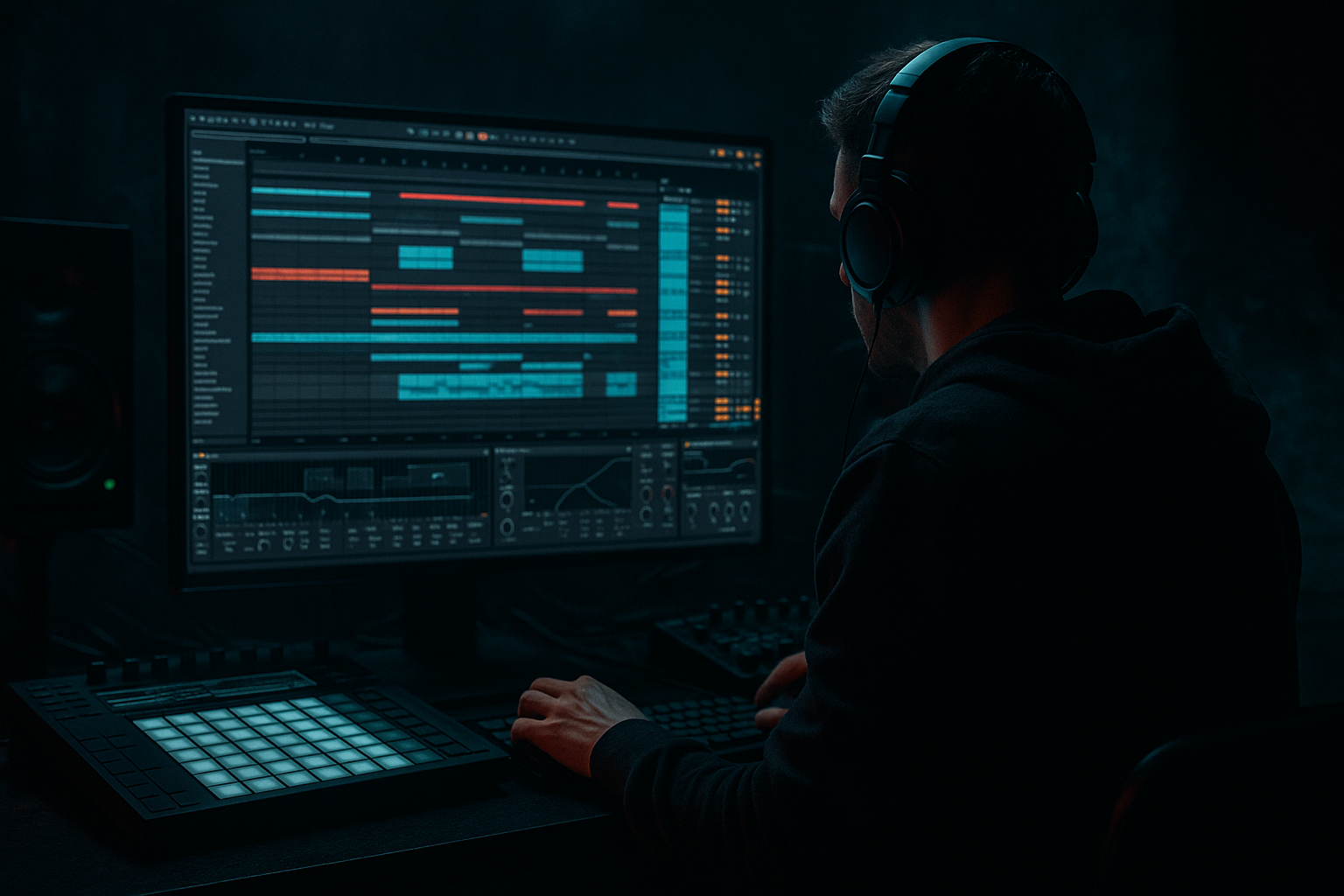
Main tutorial
Writing a Full Drum & Bass Track from Scratch in Ableton Live (Advanced, Workflow)
Energetic teacher voice: Let’s make a heavy, rolling drum & bass track from zero to finished arrangement in Ableton Live. This is a practical, hands-on workflow for experienced producers — exact device chains, useful stock devices, settings, and arrangement ideas included. Expect real DnB / jungle / rolling-bass approaches you can apply immediately. 🚀🥁
---
1. Lesson overview
Goal: Build a full drum & bass track (intro → build → drop → variations → outro) in Ableton Live using stock devices and efficient resampling/processing workflows. Emphasis on punchy breaks, layered snares/kicks, a powerful reese + sub bass split, groove, and arrangement that keeps the energy moving.
Tempo: 174 BPM (standard) — you can use 172–176 for stylistic variation.
Core principles:
- Split bass into sub (clean) + texture (distorted/filtered) and glue them with sidechain.
- Craft drums around a solid break (sliced loop) + tight programmed elements.
- Use parallel processing and resampling to create unique drum textures.
- Keep master headroom (aim for -6 to -4 dB peak) until mastering.
- Drum skeleton from a sliced break + programmed hats/percs (full Drum Rack setup)
- Main bass composed of a sine sub + detuned reese layer (Wavetable / Operator)
- Drum bus and bass bus processing chains for tight glue and aggression
- Arrangement ~3–4 minutes: intro → build → drop → breakdown → drop → outro
- Mix-ready master chain using stock devices
- Create Return A: Short plate reverb (Reverb) — Decay 0.5–1.2 s, Size 30–40%, High Cut ~6 kHz.
- Return B: Delay (Echo) — 1/16 or 1/8 sync, Feedback 20–35%, Diffusion 0-15% for slap, set filter to roll off highs.
- Return C: Parallel Distortion — create an Audio track “DistortReturn” with Saturator (Drive +3–6), EQ Eight to remove sub (<100 Hz), Glue Compressor (gentle), return send amount for drums/percs.
- EQ Eight: gentle high-pass at 20–30 Hz (slope 12 dB/oct).
- Drum Buss: Drive 2–5, Boom 1–4, Transient 0–2. Use Drive to taste.
- Glue Compressor: Ratio 4:1, Attack 10–25 ms (let initial transients through), Release Auto or 0.2–0.6 s, Threshold to gain-reduce ~2–4 dB.
- Saturator (post-glue): Soft Sine or Analog Clip, Dry/Wet 25–40% — adds grit.
- Utility at end: Stereo width 95–100% for drums (keep kick/sub mono).
- Bars 1–16: Intro — atmospheric pads, subtle percussion, filtered bass hints, long reverb tails.
- Bars 17–32: Build — introduce break elements, hats, higher-energy pads, automate LPF opening.
- Bars 33–64: Drop 1 — full drums, bass sub + texture, main riff/lead. Keep blocks of 16 bars with micro-variations.
- Bars 65–80: Breakdown — half-time sections, filtered bass, pads, vocal chops, risers.
- Bars 81–112: Drop 2 — variation of Drop 1 (new bass pattern, different drum fills).
- Bars 113–128: Outro — strip elements away, long delays and reverb tails.
- Use Beat Repeat on short slices for stutter fills (set Grid to 1/16, Gate 1/32).
- Automate Filter cutoff drops + Noise riser (white noise in Simpler with long release, highpass sweep).
- Create drum fills by duplicating drum rack and triggering heavily processed chops (reverse hits, pitched slices).
- Print (resample) dramatic drum loops or bass stabs to audio, then slice, time-stretch, and reprocess (Redux, Saturator, EQ Eight) to make unique one-shots.
- Freeze + Flatten channels and then resample for CPU-heavy chains — gives you creative audio to chop.
- Automation: filter sweeps, reverb sends, delay feedback, and distortion wet/dry for variations.
- Stereo field: keep subs mono, drums mostly centered, widen pads/leads. Use Utility for mid/side balancing if needed.
- Bounce stems (drums, bass, synths, FX, vocals) at full resolution for mastering.
- Too much low overlap: layering bass and kick without carving space. Use EQ (notch or HP) to separate sub and kick fundamentals (sub = 40–60Hz; kick click/attack around 1–3 kHz).
- Overcompressing drums early: glue gently. Heavy compression kills transient life.
- Making reese bass too wide in the sub region: low frequencies must remain mono — high-pass reese under 80–100Hz to let sub sit.
- Ignoring phase alignment: not time-aligning layered samples causes loss of punch. Use Sample Delay or nudging to align transients (1–5 ms).
- Overuse of long reverb on low elements: low-frequency reverb clogs the mix. Always lowpass reverb returns under ~6 kHz and highpass under ~200–400 Hz as needed.
- Crushing headroom: mastering becomes impossible if peak levels are at 0 dB. Leave -6 dB headroom.
- Reese aggression: duplicate your mid-layer reese, pitch one copy down 7–14 cents, frequency-shift it slightly (Frequency Shifter with tiny offsets) for phasing horror. Run through Saturator → Redux (bit reduction) → EQ to shape harshness.
- Sub drop-outs: automate sub volume/filters to drop during breakdowns. A sudden sub loss creates tension.
- Harmonic distortion: use Drum Buss’ Drive + Drum Buss > Saturator chain on textures. Add light multiband distortion: push mids aggressively while keeping sub clean.
- Notch carving for clarity: use narrow Q cuts (EQ Eight, Q= ~3–6) around 200–400 Hz on bass or drums to remove competing mids — gives perceived loudness and clarity.
- Mid/Side processing: on texture/bass group, slightly boost side content in 400 Hz–3 kHz to add width to mids without muddying low end.
- Use Corpus or Resonators (stock) to create metallic jungle timbres — route some break slices through Corpus tuned to the key.
- Low-pass filtered reese on alternation: create an arrangement pattern where every 4th bar the reese is low-passed to 1 kHz — adds rhythmic interest.
- Drum resampling + pitch envelopes: resample a processed drum hit and pitch it down/up while adding beat-repeat for chaotic fills.
- Start with a solid break and arrange around it: breaks + programmed hats/percs define groove.
- Split bass into sub (mono, pure) and texture (wide, distorted) and glue them with sidechain and EQ.
- Use Ableton stock devices: Drum Rack, Simpler/Operator/Wavetable, EQ Eight, Drum Buss, Glue Compressor, Saturator, Multiband Dynamics, Auto Filter, Echo/Delay, Reverb, Utility.
- Resample and create parallel processed layers for character.
- Keep headroom and avoid low-frequency clashes; automate for energy changes across the arrangement.
- For darker/heavier DnB: push reese modulation, careful notch EQs, aggressive parallel distortion, and dramatic sub automation.
---
2. What you will build
You’ll end with stems or a tracked Ableton set ready for fine mixing/mastering.
---
3. Step-by-step walkthrough
This is a linear workflow. Work in Session view for ideas, then move to Arrangement for the full track.
A. Project setup
1. Create a new Live set. Set tempo to 174 BPM.
2. Set default buffer to 256–512 samples for stability.
3. Create tracks: Drums (Drum Rack), Drum Break (Audio), Kick, Snare, Hats/Perc, Bass-Sub, Bass-Texture, FX, Pads/Lead, Drum Bus (Group), Bass Bus (Group), Master.
4. Save new set as “DnB_Workflow_Template” so you can reuse routing/returns.
B. Prepare returns
C. Drum foundation (the break)
1. Drop a break loop (Amen, Funk, or your own) into an Audio track. Warp Mode: Beats, 1/1, Preserve Transients on, Start/End/Loop modes off. Stretch should be minimal; keep transient integrity.
2. Right-click → Slice to New MIDI Track (use Transient mode). This creates a Drum Rack with one-shot slices mapped across a keyboard.
3. Edit the MIDI: pull the best transient hits to create a rolling DnB pattern (use 1/16 and 1/16T grid). Keep the ghost hits and reversed slices for movement.
4. Duplicate the Drum Rack and make variations: one with raw slices, one with heavy processing (saturation + Redux) for occasional hits.
D. Kick & Snare layering
1. Create separate Kick and Snare audio/MIDI chains in the Drum Rack for flexibility.
2. Kick: layer a punchy sub-kick (sine) and an attack sample. Use Simpler for the sub sine (oscillator: sine, transpose to desired pitch), lowpass 24 dB to keep it pure. Align phase with transient layer using Sample Delay (1–5 ms).
- EQ Eight: high-pass everything below 30–35 Hz on non-sub layers; low shelf boost 60–100 Hz +2–3 dB on sub layer if needed.
3. Snare: layer a body (sample low-mid) + snap (high transient). Put transient emphasis on the snap sample.
- EQ: cut 300–500Hz around -2 to -4 dB to remove boxiness; boost 2.5–4 kHz +3 dB for crack.
- Send snare to Return A (short reverb) with pre-delay ~10 ms; lowpass the reverb chain to ~4–6 kHz.
Snare tip: add a short, gated plate on an Aux and automate dry/wet for transitions.
E. Hats & percussion
1. Program consistent 1/16 hats, use groove (Swing) from the Groove Pool — try slight humanization (Timing +/- 3–6%, Velocity +/- 5–10%).
2. Add shuffled 1/32 ghost hats, and syncopated percussion (shakers, bongos) to fill pocket around the break.
F. Drum processing chain (Drum Bus Group)
Place these on Drum Bus (Group track containing Drum Rack + slices):
G. Bass design (Sub + Texture split)
1. Sub (Audio or Simpler/Operator)
- Use Operator (sine) or Wavetable with single sine oscillator. Key center around root (C1–C2).
- Lowpass around 200–300 Hz to keep only fundamentals.
- Chain: EQ Eight (high-pass at 18–25 Hz to remove inaudible rumble) → Compressor (light) → Utility (Width 0% mono) → Send to Bass Bus.
- Important: use a dedicated MIDI channel for sub with glide or minor pitch automation for emphasis.
2. Texture / Reese (Wavetable or Operator)
- Wavetable: two oscillators, both saw/triangle detuned ±7–14 cents, unison 2–4 voices, apply lowpass (24 dB) with cutoff ~400–1500 Hz depending on tone. Add moderate FM or noise for grit.
- Modulate filter cutoff with Auto Filter’s LFO (rate synced to 1/4 or using envelope follower for hits).
- Processing chain (Bass-Texture track):
- Saturator (Drive +3–6) → EQ Eight (cut 40–80Hz to make room for sub — steep notch or high-pass with slope 24 dB/oct below 80 Hz) → Multiband Dynamics (slightly compress mids/highs) → Frequency Shifter (tiny detune 0.2–0.8 Hz for stereo width) → Glue Compressor on Bass Bus.
3. Sidechain glue
- Route both sub and texture to a Bass Bus. Place a Compressor on the Bass Bus with sidechain input set to Drum Bus (choose kick/snare/send). Settings: Ratio 4–6:1, Attack 0.5–3 ms, Release 80–160 ms, Threshold so bass ducks ~4–8 dB on hits. This keeps the drums punchy.
4. Parallel processing
- Duplicate Bass-Texture to a “Distort” return (or send to Return C). Hit it with Saturator Drive +6–12, lowpass ~8 kHz, then blend back in for top-end aggression.
H. Movement & modulation
1. Use Auto Filter LFO on the texture layer: Filter cutoff mapped to small LFO depth, rate 1/8 or synced to 1/16 for wobble grooves. Automate LFO rate during fills.
2. Use Wavetable’s mod matrix: route an envelope to filter cutoff for plucky bassnotes.
3. For risers/FX: use Grain Delay (spray 0-25%, pitch -12 to +12 for textures), Resonator for metallic hits, and Utility + reverb automation for transitions.
I. Arrangement skeleton (suggested bar counts at 174 BPM)
J. Transitions & fills
K. Resampling and consolidation tricks
L. Mixing & master prep
1. Keep master peaks below -4 to -6 dB. Use a Utility or clip gain to control headroom.
2. Master chain (Master track):
- EQ Eight: HPF @ 18–25 Hz (12 dB/oct) — remove inaudible sub rumble.
- Multiband Dynamics: gentle glue, cut excessive broadband energy.
- Glue Compressor: mix bus glue, Threshold subtle, Attack 10–30 ms, Release Auto.
- Saturator: Soft Clip, Drive +1 to +2 dB for color.
- Limiter: Ceiling -0.1 dB, Threshold adjust to taste — avoid over-limiting during the arrangement stage.
M. Final touches
---
4. Common mistakes
---
5. Pro tips for darker/heavier DnB 🎛️🔥
---
6. Mini practice exercise (30–90 minutes) 🎯
Objective: Build a 32-bar loop (Intro → Build → Drop) that’s mix-ready.
Steps:
1. Set tempo to 174. Drop a clean Amen/Funk break and slice to Drum Rack. Create a 16-bar rolling break pattern (MIDI).
2. Layer a kick sub with a kick transient. Align phases (use Sample Delay).
3. Program a snare layer (body + snap). Send snare to Return A (short reverb) at -6 to -10 dB.
4. Create a sub channel with Operator sine at C1, lowpass 200 Hz. Duplicate and create a Wavetable reese: 2 oscillators detuned, lowpass cutoff ~800 Hz.
5. Put a Compressor on Bass Bus sidechained to Drum Bus: Ratio 5:1, Attack 1 ms, Release 100 ms; set threshold to duck bass ~5 dB on drum hits.
6. Drum Bus chain: EQ Eight (HP 25 Hz) → Drum Buss (Drive 3, Boom 2) → Glue Comp (4:1, Attack 15 ms).
7. Arrange bars 1–8 intro (filtered drums, pads), 9–16 build (open filter + add hats), 17–32 drop (full drums + bass).
8. Export this 32-bar loop as WAV. Listen on headphones and make one automated change: a 2-bar filter cutoff sweep on the reese.
Goal: have a powerful-sounding 32-bar loop with clear separation between sub and texture.
---
7. Recap
You’ve got the roadmap and device chains — now go build something that rattles speakers and makes heads nod. If you want, send the Ableton project or stems and I’ll give concrete mix/process tweaks. Ready to start your drop? ⚡️

