Main tutorial
🎶 Cinematic Intros in Drum and Bass: A Practical Guide
1. Lesson Overview
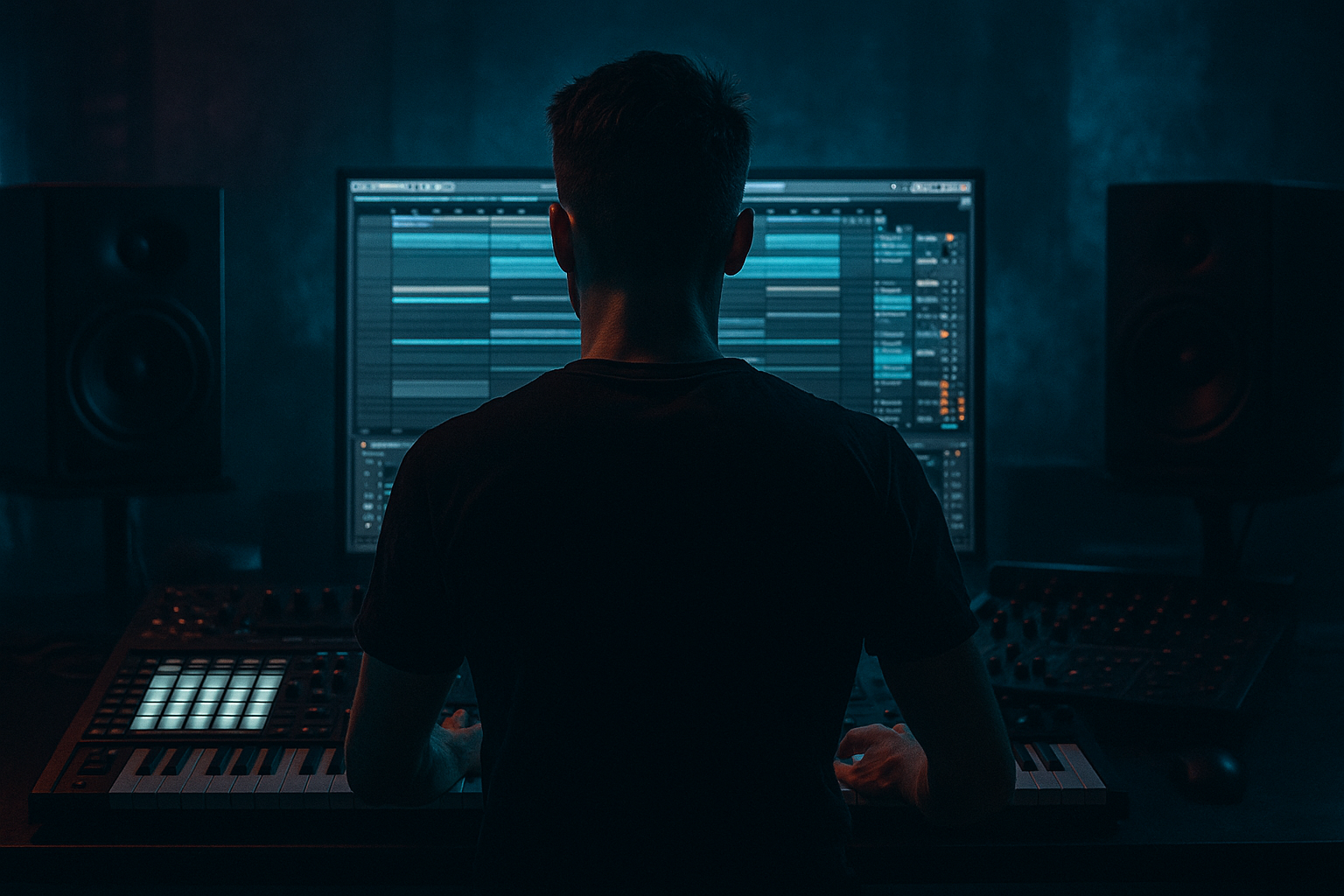
Welcome, aspiring drum and bass producers! 🎧 In this tutorial, we’ll dive deep into crafting cinematic intros in Ableton Live specifically tailored for DnB tracks. Cinematic intros set the stage for your music, creating anticipation and an emotional connection with your listener. This lesson will focus on using stock devices creatively, structuring your arrangement, and applying effective sound design techniques.
2. What You Will Build
By the end of this lesson, you will create a dramatic cinematic intro featuring:
- Ambient pads
- Pulsing sub-bass
- Ethereal effects
- Percussive accents
- A clear transition into the main body of the track
- Overcrowding the Mix: Keep ambient elements minimal to allow the bass to shine.
- Ignoring Dynamics: Include volume automation to maintain interest throughout the intro.
- Static Sounds: Always add modulation to pads and effects to keep things lively.
- Add Dissonance: Use minor 7th or 9th chords in your pads for a darker vibe.
- Use Field Recordings: Incorporate environmental sounds to create a sense of place.
- Experiment with Time-stretching: Use warped sounds to create unique textures, adding character and unpredictability.
You’ll learn how to build tension and set the mood before those heavy beats drop! 💥
3. Step-by-Step Walkthrough
Step 1: Set Up Your Project
1. Open Ableton Live and create a new project.
2. Set your project tempo to around 170 BPM, a common speed for DnB.
Step 2: Create an Ambient Pad
1. Create a new MIDI track (`Cmd + Shift + T` or `Ctrl + Shift + T`).
2. Load Operator (Ableton's FM synth) or Analog.
3. Choose a soft pad sound preset or create one with:
- Oscillator 1: Sine wave, filter cut off low.
- Add Reverb (set dry/wet around 40%).
- Use a slow attack and release for a smooth fade in/out.
Step 3: Layer with Atmospheric Sounds
1. Create another MIDI track for atmosphere.
2. Load Sampler or Impulse and load some haunting sound effects (e.g., nature sounds, distant voices).
3. Add modulation with Auto Filter to create movement (modulate the cutoff frequency).
4. Automate the filter over the first few bars to gradually introduce these elements.
Step 4: Introduce Sub-Bass
1. Create a new MIDI track and load Analog with a simple sine wave sound.
2. Make a long MIDI note (C1) lasting 8 bars.
3. Insert Saturator to add warmth (set to subtle settings).
4. Apply Low Pass Filter using Auto Filter (cut off around 100 Hz), and automate it lightly to bring the bass in over the intro.
Step 5: Adding Percussive Elements
1. Create a drum rack and load some classic DnB snare and kick samples.
2. For the intro, use a sparse kick pattern, keeping it simple.
3. Create a light snare roll (using 1/16 notes) that builds over the intro's length.
4. Use Echo for spatial effects on snare hits for depth.
Step 6: Transition Effects
1. Use a White Noise generator (via simpler) to create impacts.
2. Add an Auto pan effect to crank the feel.
3. Set up a Ping Pong Delay on the last bar to build tension before the drop.
Step 7: Arrangement
1. Structure your 8-bar intro:
- Bars 1-4: Ambient Pad and Atmosphere
- Bars 5-6: Introduce Sub-bass
- Bars 7-8: Add Percussion and Effects
2. Use Scene launch for transition into the main body of the track. Make sure the volume ramps up gradually for a smoother transition.
4. Common Mistakes
5. Pro Tips for Darker/Heavier DnB
6. Mini Practice Exercise
1. Create a 4-bar cinematic intro using at least three different atmospheric layers.
2. Employ pitch modulation to make one layer dynamic.
3. Add a reverse reverb effect on your snare hit to enhance tension.
4. Record automation on the master channel for a crescendo effect leading into the main drop.
7. Recap
Today, you learned how to craft an engaging cinematic intro in Ableton Live, specifically designed for drum and bass music. We went through ambient pads, atmospheric sounds, and transitional effects to build anticipation. Remember to focus on creating space in your mix and adding depth with effects. You’ve got the tools and the knowledge—now it’s time to put it into practice! 🚀
Happy producing! 🎵

