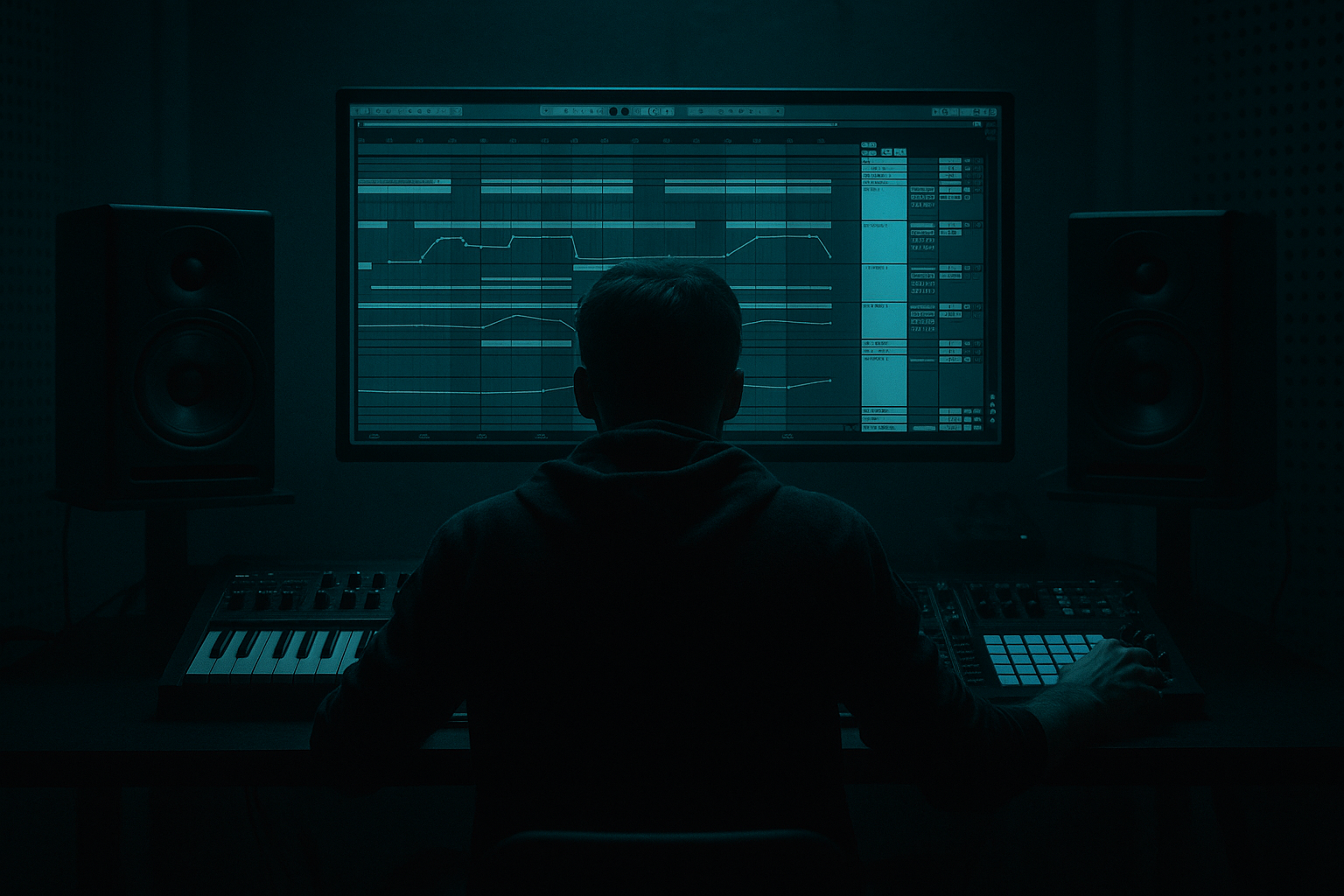
Main tutorial
Writing Dark Roller Bass Patterns (DnB) in Ableton Live 🖤🔊
Skill level: Beginner • Category: Basslines
---
1. Lesson overview
A “dark roller” bassline is all about constant momentum, tight groove, and controlled heaviness. In drum & bass, especially rollers, the bass often feels like it’s pulling the track forward—not necessarily flashy, but unstoppable.
In this lesson you’ll learn how to:
- Program rolling bass MIDI patterns that groove with classic DnB drums
- Build a clean sub + gritty mid-bass setup using Ableton stock tools
- Add movement (without ruining the mix) using saturation, filtering, and sidechain
- Arrange bass patterns for a full 16–32 bar roller section 🎛️
- A two-layer bass:
- A classic roller pattern (syncopated but steady)
- A mini arrangement: Intro → Drop → Variation → Turnaround
- Short notes (staccato)
- Off-beat pushes
- Repetition with tiny variation
- Keep most notes on F1 (or F0 depending on your sub range), with a few G# (Ab) or C for tension.
- Put notes on 1, then sprinkle notes in the gaps around the snare, not on top of it.
- Leave space right before/after the snare hits to let the drums punch.
- Bar 1:
- Bar 2:
- Start with 1/16 to 1/8 note lengths
- Make most notes short (staccato)
- Leave occasional slightly longer note (1/8) to create phrasing
- Use two saw waves slightly detuned (A and B), then low-pass filter.
- Add Corpus very subtly (short decay) for metallic edge—great for dark rollers if used carefully.
- In the MIDI clip, adjust velocity slightly:
- Add groove:
- Sub plays the core pattern, mid-bass filtered down (cutoff low)
- Add small bass fills only at the end of every 4 bars
- Bring in full mid-bass distortion and a slightly higher filter cutoff
- Add a variation in bar 16 (turnaround):
- Use minor keys + b2 tension note (carefully): in F minor, a hint of Gb can sound sinister (don’t overuse).
- Call-and-response with drums: leave tiny holes where ghost snares/hats speak.
- Make the mid-bass “talk” with filter movement, not random notes.
- Parallel distortion trick (stock):
- Resample for control: Freeze/Flatten the mid-bass once it’s close, then trim tails and fades like audio. Clean rollers are often edited hard.
- A dark roller bassline is tight rhythm + controlled tone + subtle variation
- Build it with a clean mono sub (Operator sine) and a gritty mid layer (Wavetable/Operator)
- Use short notes, leave space for the snare, and sidechain to the kick
- Add darkness with saturation + low-pass filtering + minor key movement
- Arrange with small variations every 8–16 bars to keep the roll hypnotic 🎚️
---
2. What you will build
By the end, you’ll have:
- Sub layer (pure, stable, mono)
- Mid layer (dark, distorted, textured)
Target vibe references (conceptually): modern rollers, jungle-rooted minimal rollers, darker neuro-influenced rollers.
---
3. Step-by-step walkthrough
Step 0 — Set the session up like DnB
1. Set tempo to 174 BPM (173–176 is fine).
2. Create a basic drum loop so you can write bass against the groove:
- Kick on 1
- Snare on 2 and 4 (half-time feel over 2 bars)
- Add hats/shuffles if you have them, but keep it simple for now
Ableton tip: Use Drum Rack with any DnB kit, or drop in a break (Amen-style) quietly in the background for vibe.
---
Step 1 — Create a solid Sub layer (Operator) 🧱
1. Create a new MIDI Track → load Operator.
2. In Operator:
- Oscillator A: Sine wave
- Voices: 1 (mono sound)
- Glide: Off (for now)
3. Add an EQ Eight after Operator:
- Low-cut not needed
- Optional: gentle dip around 200–400 Hz if it gets boxy later
4. Add Utility after EQ Eight:
- Bass Mono: ON (or set Width to 0% if needed)
- Gain: keep headroom (don’t slam it)
Goal: Sub should be boring but powerful.
---
Step 2 — Write a dark roller MIDI pattern (the “engine”) 🏁
DnB roller bass patterns often rely on:
#### Pick a key
Start in something dark and easy: F minor or G minor.
#### The core pattern (2-bar loop)
Open a 2-bar MIDI clip for your sub. Use 1/16 grid.
Here’s a beginner-friendly roller pattern idea in F minor (root = F):
Rhythm approach (important):
Example rhythm (describe placement):
- A note on 1.1 (start of bar)
- A short note on 1.2.3 (just before the snare at 1.3)
- A note on 1.3.3 (after snare)
- A note on 1.4.2 (push into the next bar)
- Similar rhythm, but change one note to C (fifth) or G# (minor 3rd) for darkness
#### Note lengths (this is the roller secret)
Ableton workflow tip:
Select all notes → shorten to ~40–60% length using the MIDI note edge drag, then adjust 2–3 notes longer for groove.
---
Step 3 — Make it bounce: sidechain the Sub to the Kick (stock Compressor) 💨
1. Add Compressor after Utility on the sub track
2. Enable Sidechain
3. Sidechain input: your Kick track
4. Settings to start:
- Ratio: 4:1
- Attack: 1–5 ms
- Release: 80–140 ms (tune to groove)
- Threshold: adjust until you see 2–5 dB gain reduction on kicks
Goal: Kick punches through, sub “breathes” in time.
---
Step 4 — Create the Mid-bass layer (Wavetable or Operator) 😈
Duplicate your sub MIDI track (Cmd/Ctrl+D) and rename it MID BASS.
#### Option A: Wavetable (easy grit + movement)
1. Load Wavetable
2. Choose a table like: Basic Shapes, Saw, or anything with harmonics
3. Settings:
- Unison: 2–4 (keep it subtle)
- Detune: low (5–15%)
- Filter: LP24
- Cutoff: start around 200–600 Hz (you’ll automate/shape later)
- Drive: small amount for weight
#### Option B: Operator (simple reese-ish mid)
---
Step 5 — Mid-bass device chain for “dark roller” tone (stock) 🧰
On the MID BASS track, use this chain:
1. EQ Eight (before distortion)
- High-pass around 120–200 Hz (so it doesn’t fight the sub)
- Gentle dip if harsh around 2–4 kHz
2. Saturator
- Mode: Analog Clip
- Drive: 3–8 dB
- Output: reduce to match level
- Optional: Soft Clip ON ✅
This adds harmonics so it’s audible on smaller speakers.
3. Auto Filter (movement & darkness)
- Filter: Low-pass
- Cutoff: set to taste
- Add subtle Envelope amount so harder notes open slightly (if your MIDI velocity varies)
4. Compressor (same sidechain as sub)
- Sidechain to Kick
- Slightly faster release than sub sometimes works: 60–120 ms
5. Utility
- If it gets wide/messy: reduce Width to 70–100%
- Keep sub frequencies out of the mid layer anyway (you already HP’d it)
Optional spice:
---
Step 6 — Lock the groove with velocity and micro-timing 🎯
Rollers feel alive because of tiny variations:
- Accents on notes that answer the snare (after 2 and 4)
- Softer notes on the “ghost” hits
- In Ableton’s Groove Pool, try MPC 16 Swing 55–58 (subtle!)
- Apply at 10–25% to start
Important: Don’t swing the sub too much or it can feel unstable. Often swing works best on the mid layer and hats.
---
Step 7 — Arrangement idea: 16 bars of roller energy 🧱➡️🔥
Here’s a practical structure:
Bars 1–8 (Intro/Build):
Bars 9–16 (Drop / Full roller):
- Remove the first bass note for a split second
- Or add a pitch jump (e.g., hit C for 1/8) before looping back
Ableton tip: Automate the Auto Filter cutoff on the mid-bass to rise slightly over 8 bars (tiny movement = big perceived energy).
---
4. Common mistakes 🚫
1. Sub notes too long → smears the groove and fights the kick
2. Writing bass on top of the snare → snare loses impact
3. Mid layer has too much low-end → phase issues and muddy drops
4. Over-distorting too early → sounds loud solo, weak in the mix
5. Too many notes → rollers are about pressure, not constant fills
---
5. Pro tips for darker/heavier DnB 🕶️
- Put Saturator on a Return track (Send/Return)
- Send mid-bass to it lightly for controllable grit
---
6. Mini practice exercise 🧪
Do this in 15 minutes:
1. Make a 2-bar loop at 174 BPM
2. Write a bass pattern using only F (root) + C (fifth)
3. Rule: No note longer than 1/8, and leave space on the snare hits
4. Add sidechain compression to both layers
5. Create two variations:
- Variation A: remove 1 note in bar 2
- Variation B: add a single “pickup” note right before bar 1 loops
Export (or resample) and listen on low volume: does it still feel like it’s rolling?
---
7. Recap ✅
If you want, tell me what style you’re aiming for (minimal roller, jungle-roller, heavier neuro-roller) and what bass synth you prefer (Wavetable, Operator, Analog), and I’ll give you 3 ready-to-program MIDI patterns in your chosen key.

