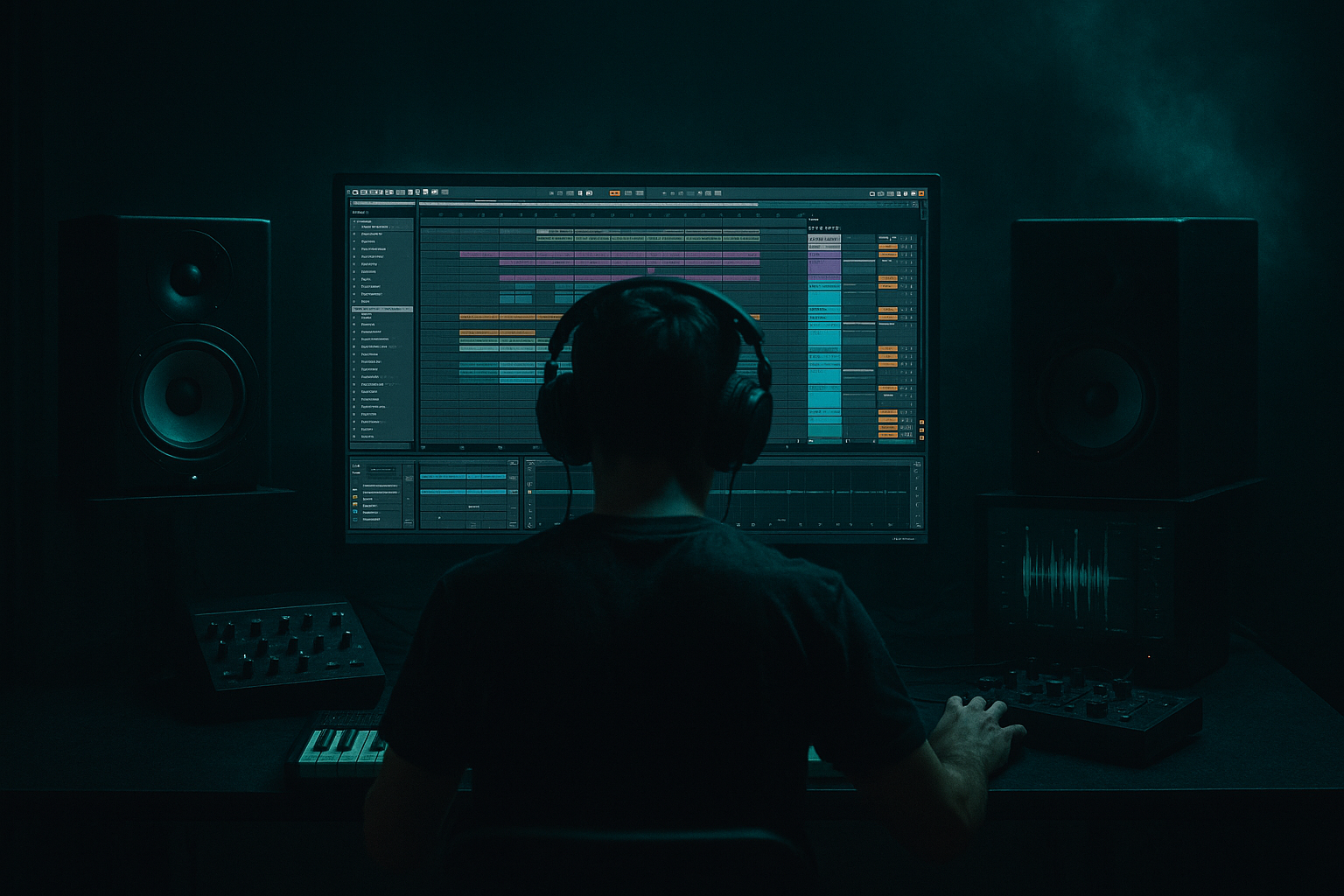
Main tutorial
```markdown
Writing with One Chord (DnB in Ableton Live) 🎛️🥁
1. Lesson overview
Writing an entire drum & bass idea from one chord is a cheat code for finishing music fast—especially in rolling, minimal, dark, or jungle-rooted DnB where groove + texture + arrangement do the heavy lifting.
In this lesson you’ll learn how to:
- Pick one chord that works for DnB (stable, moody, flexible)
- Create movement using rhythm, inversion, bass interplay, automation, and sound design
- Arrange a full DnB skeleton in Ableton Live using stock devices ✅
- A single chord loop that evolves over time (no chord changes)
- A rolling bassline that locks to the chord’s notes
- A drum groove (2-step or jungle-ish) with fills and energy ramps
- A basic arrangement: intro → drop → variation → mini break → drop 2
- Clean “producer moves”: filter automation, reverb throws, saturation, ear candy
- Minor 7 (moody, smooth): e.g. Fmin7 = F–Ab–C–Eb
- Minor 9 (deeper, atmospheric): F–Ab–C–Eb–G
- Sus2 / Sus4 (ambiguous, ravey): e.g. Fsus2 = F–G–C
- Minor triad (direct, heavy): F–Ab–C
- Create a MIDI track: “Chord”
- Load an instrument:
- Osc 1: Saw
- Osc 2: Square (lower volume)
- Filter: LP24, cutoff around 500–2k depending on brightness
- Add Unison: 2–4 voices (keep it subtle)
- Hit the chord on 1
- Short stab on the “&” of 2
- Another on 4
- Bar 1: F–Ab–C–Eb
- Bar 2: Ab–C–Eb–F (1st inversion feel)
- Bar 3: C–Eb–F–Ab
- Bar 4: Eb–F–Ab–C
- Filter type: LP24
- Drive: 2–6 dB (taste)
- Map cutoff to a macro (or just automate)
- Intro: low cutoff (darker)
- Drop: open it up
- Break: close it again + add reverb throw
- Mode: Ensemble
- Amount: 20–40%
- Rate: low (0.20–0.60 Hz)
- Algorithm: just Osc A
- Osc A: Sine
- Envelope:
- F (root) = strongest
- Ab (minor 3rd) = darker pull
- C (5th) = stable
- Eb (7th) = jazzy tension (use sparingly for weight)
- 1/8 notes with gaps (so it breathes with drums)
- Put F on the downbeat
- Add Ab or Eb as ghosty pickups
- Beat 1: F
- Beat 1.3: F
- Beat 2: (space)
- Beat 2.3: Ab
- Beat 3: F
- Beat 3.3: Eb (quick)
- Beat 4: F
- Sidechain: ON
- Input: Kick
- Ratio: 4:1
- Attack: 1–5 ms
- Release: 80–150 ms (match groove)
- Threshold: adjust until you hear it “breathe”
- Kick: on 1
- Snare/Clap: on 2 and 4
- Hats: 1/16 with swing or shuffled feel
- Use Groove Pool
- Drop a break sample into Simpler (Slice mode) or into Drum Rack slices.
- High-pass it using EQ Eight:
- Return A: Reverb
- Return B: Delay
- Bars 1–4: slowly open chord filter cutoff
- Bars 5–8: add snare build / riser / more hats
- Last 1 beat: remove drums (micro-silence) → slam back in
- Auto Filter cutoff rise
- Utility for quick gain dips (mute trick)
- Noise riser via Operator/Wavetable + filter sweep
- Limiter on master just to catch peaks while sketching (don’t rely on it)
- Only use notes from F–Ab–C–Eb (and maybe G if you chose min9)
- Make a 2-bar call/response rhythm
- Short reese stab (filtered)
- Metallic pluck
- Vocal chop tuned to chord notes
- Use the b7 (Eb in Fmin7) as a tension note in bass fills (short notes only).
- Make chords short and aggressive:
- Try parallel distortion on MUSIC group:
- Add a reese layer that still plays the same chord root:
- Use Utility to mono your sub:
- One chord works in DnB because rhythm, sound design, and arrangement create progression
- Create movement with:
- Use Ableton stock tools:
---
2. What you will build
A tight 32–64 bar DnB sketch containing:
Tempo target: 172–175 BPM ⚡
---
3. Step-by-step walkthrough
Step 0 — Project setup (2 minutes)
1. Set tempo: 174 BPM
2. Time signature: 4/4
3. Create groups:
- DRUMS
- BASS
- MUSIC (chord/pad/stabs)
- FX
Workflow tip: Start in Session View to build loops, then arrange in Arrangement View.
---
Step 1 — Choose your one chord (the “home base”) 🎹
For DnB, choose something that can feel dark without needing changes.
Good options:
Beginner-friendly pick: Fmin7. It gives you enough notes to write bass and riffs without sounding “samey”.
Ableton setup:
- Wavetable (great for modern DnB)
- or Analog (simple + punchy)
- or Operator (clean + flexible)
Quick Wavetable patch idea:
Now draw a 1-bar MIDI clip with Fmin7.
---
Step 2 — Make the chord move without changing chords 🔁
You’re allowed to keep the chord the same, but you must vary how it hits.
#### A) Rhythm changes (most important in DnB)
In your 1-bar clip, try this pattern:
So it feels like a syncopated stab pattern rather than a sustained block.
Tip: DnB loves off-beat punctuation. Think “stabs between the drums”.
#### B) Inversions (same chord, different top note)
Duplicate the clip and change the voicing:
Still the same chord—just a different shape. This creates “progression energy” with zero harmony changes.
#### C) Filter automation (classic movement)
Add an Auto Filter on the chord track:
Automate cutoff:
#### D) Texture with Chorus/Ensemble (width without new notes)
Add Chorus-Ensemble after Auto Filter:
Keep it controlled—DnB needs width, but the mono compatibility matters.
---
Step 3 — Build a bassline from the chord tones 🧱🔊
Create a MIDI track: “Bass”
Instrument: Operator (stock and perfect for DnB fundamentals)
Operator patch (simple rolling sub):
- Attack: 0
- Decay: ~200–500 ms (optional)
- Sustain: -inf (if you want plucks) or 0 dB (if you want held)
- Release: 50–120 ms
Write bass notes using chord tones:
From Fmin7, your safe notes are:
Rolling bass rhythm (1 bar idea):
Example concept (not exact notation):
Glue bass to drums: Sidechain
On Bass track add Compressor:
---
Step 4 — Add drums that make the one-chord loop feel like a song 🥁
Create a Drum Rack track.
#### A) Core 2-step (DnB backbone)
Ableton tools:
- Add a groove like Swing 16 (subtle)
- Timing: 10–30%
- Velocity: 0–20%
#### B) Jungle flavor (optional but powerful)
Layer a break:
- HP around 150–300 Hz (so it doesn’t fight kick/sub)
#### C) Drum bus chain (stock, effective)
On DRUMS group:
1. EQ Eight
- Cut mud around 200–400 Hz (gentle)
2. Drum Buss
- Drive: 5–15%
- Boom: low (careful in DnB)
- Transients: + if needed
3. Glue Compressor
- Ratio: 2:1
- Attack: 3–10 ms
- Release: Auto
- 1–3 dB gain reduction
---
Step 5 — Turn one chord into multiple “sections” (arrangement trick) 🧩
You’re not changing chords—you’re changing density, spectrum, and rhythm.
#### A) Make 4 versions of the chord part
Duplicate the chord track clips and create:
1. Intro chord: filtered, roomy, fewer hits
2. Drop chord: brighter, more rhythmic stabs
3. Break chord: super wet + filtered down
4. Drop 2 chord: same as drop but add a new rhythm or inversion
#### B) FX sends (huge for motion)
Create Return tracks:
- Hybrid Reverb (Hall or Plate)
- Decay: 2.5–6s
- High Cut: 6–10 kHz (avoid harsh wash)
- Echo
- Time: 1/8 dotted or 1/4
- Feedback: 20–40%
- Filter inside Echo: cut lows
Automate send amounts on specific chord hits (reverb throw on the last stab before a drop).
---
Step 6 — Make the “drop” feel like a drop (energy automation) 📈
Even with one chord, you can create impact.
8-bar build idea:
Ableton devices for builds:
---
Step 7 — Add one “ear candy” element that still obeys the chord 🍬
Create a “Riff” track using Simpler or Wavetable:
Sound ideas:
Quick device chain (riff):
1. Instrument (Wavetable/Simpler)
2. Saturator (Soft Clip ON, Drive 2–6 dB)
3. EQ Eight (cut lows below 150–250 Hz)
4. Auto Pan (very subtle, slow) for movement
---
4. Common mistakes ❌
1. Sustaining the chord nonstop
- In DnB, long sustained chords often blur the groove. Use stabs and space.
2. Bass not locked to chord tones
- If the bass hits random notes, it’ll sound out even if your chord is “correct”.
3. Too much reverb in the drop
- Big reverb washes out drum transients. Save long reverb for intro/break, use throws in drops.
4. No arrangement changes
- One chord doesn’t mean one loop. You still need section changes: filter, rhythm, density, FX, fills.
5. Layering without EQ
- If chord/pad has low mids + bass has low mids + break has low mids… mud city.
---
5. Pro tips for darker/heavier DnB 😈
- Shorten MIDI note lengths
- Add Saturator + Auto Filter drive
- Create Return “Dist”
- Add Overdrive → EQ Eight (low cut) → Compressor
- Blend subtly for grit
- Reese can just follow F (root) while the chord stabs imply the harmony.
- On SUB track: Utility → Width 0% (below ~120 Hz ideally; can be done via EQ M/S tricks later)
---
6. Mini practice exercise (15–25 minutes) ⏱️
1. Choose one chord: Fmin7
2. Create 3 chord rhythm variations (same notes, different patterns)
3. Create 2 inversions of the same chord
4. Write a 4-bar bassline using only F/Ab/C/Eb
5. Arrange a 32-bar sketch:
- 1–8: intro (filtered chord + light drums)
- 9–16: build (add hats + tension)
- 17–24: drop (full drums + bass + stabs)
- 25–32: variation (change chord rhythm + add fill)
Export a quick bounce and listen on headphones: does it feel like it goes somewhere even with one chord?
---
7. Recap ✅
- Stab rhythms
- Inversions
- Filter + send automation
- Bassline built from chord tones
- Section-based density changes
- Auto Filter, EQ Eight, Saturator, Drum Buss, Glue Compressor, Hybrid Reverb, Echo, Utility
If you want, tell me what vibe you’re aiming for (liquid, neuro, jungle, jump-up, dark minimal) and I’ll suggest a single chord choice + a matching bass/drum approach for that substyle. 🥁
```

